Code 128 for your own numbers
Code 128 takes letters, digits and the usual symbols, at whatever length fits the label. That makes it the default for things you number yourself: stock in a back room, parts bins, tools you lend out, order numbers. The maker packs runs of four or more digits two to a character, so numeric IDs stay short.
Keep IDs short and the same length: A-0042 rather than “drill bits 42”. On the same label a shorter code gets wider bars, and wider bars scan from further away and forgive a less than perfect print.
EAN-13 and UPC-A are for products sold in shops
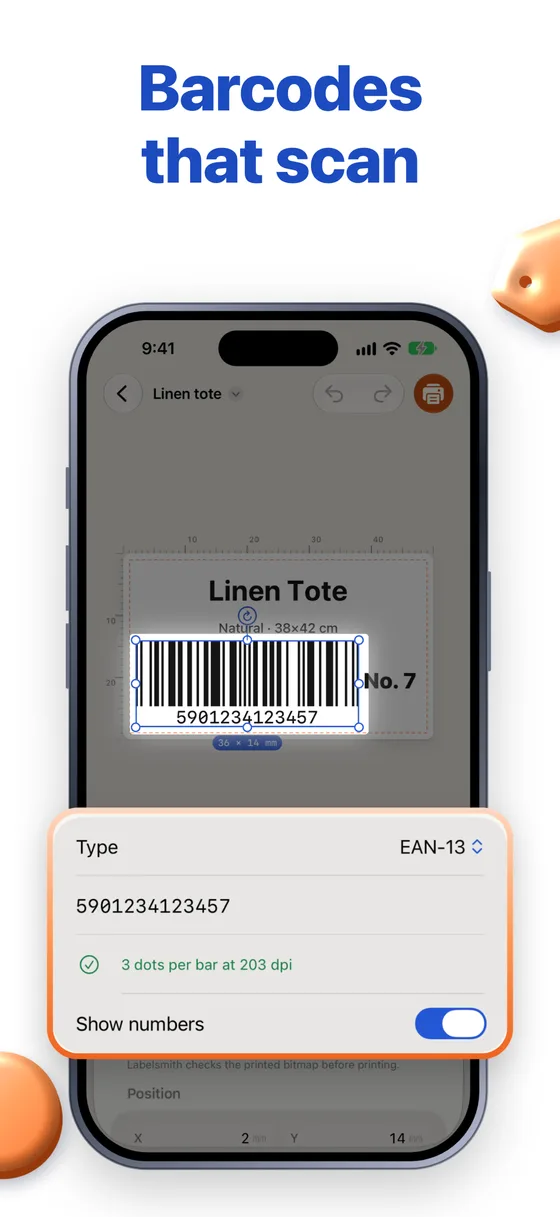
EAN-13 and UPC-A hold digits only, at a fixed length, and the last digit is a check digit worked out from the others. The maker checks it as you type and tells you which digit the number should end in.
A correct check digit doesn’t make a number yours. Retailers look products up by their number, and numbers for goods sold in shops come from GS1 (how to get one in the US). A made-up number gives you a barcode that scans and may belong to someone else’s product. For anything that stays inside your own business, use Code 128.
Giving the bars enough room
The maker stretches the barcode across the width of the label and prints the number under the bars. If the label also has text, the barcode gets the lower half; with no text, it gets the full height. These are the sizes that come out:
| Sheet | Label size | Barcode width | Bar height, code only | Bar height, with one line of text |
|---|---|---|---|---|
| 5167 | 1-3/4 × 1/2 in | 1.34 in (34 mm) | 0.29 in (7 mm) | 0.14 in (4 mm) |
| 5160 | 2-5/8 × 1 in | 2.02 in (51 mm) | 0.68 in (17 mm) | 0.32 in (8 mm) |
| 22806 | 2 × 2 in | 1.43 in (36 mm) | 1.59 in (40 mm) | 0.72 in (18 mm) |
| 5163 | 4 × 2 in | 3.07 in (78 mm) | 1.59 in (40 mm) | 0.72 in (18 mm) |
| L7651 | 38.1 × 21.17 mm | 28 mm | 14 mm | 7 mm |
| L7160 | 63.5 × 38.1 mm | 47 mm | 28 mm | 12 mm |
| L7161 | 63.5 × 46.55 mm | 47 mm | 36 mm | 16 mm |
Small labels such as 5167 and L7651 suit short asset numbers with no text beside them. Test-scan one with your own scanner before printing the run.
Retail EAN-13 and UPC-A codes have tighter rules. The GS1 General Specifications give a nominal EAN-13 symbol of 37.29 × 25.93 mm, allow 80% to 200% of that size, and ask for the full bar height. A 5160 label prints the code wide enough but leaves the bars far too short for that width. On US Letter, the 2 × 2 in square 22806 prints it at about 120% of nominal with full-height bars; on A4, L7161 prints it at about 150%.
A sheet of different codes
- Put the codes in the last column of a spreadsheet, with a description in the column before it if you want text on the label. For a numbered run, a formula such as
="A-"&TEXT(ROW(),"0000")gives A-0001, A-0002 and so on, in Excel and Google Sheets alike. - Open the template for your sheet, for example 5160 or L7160. Choose “A different label for each entry”, pick the barcode type and tick “Take each label’s code from its last line”.
- Paste the rows. A code the barcode type can’t hold, or a wrong check digit, is listed by label number so you can fix that row.
- Print a page on plain paper at 100%, scan a few codes, then print on the labels. Turn off draft or toner-saving modes, because grey bars scan badly.
Printing barcode labels one at a time
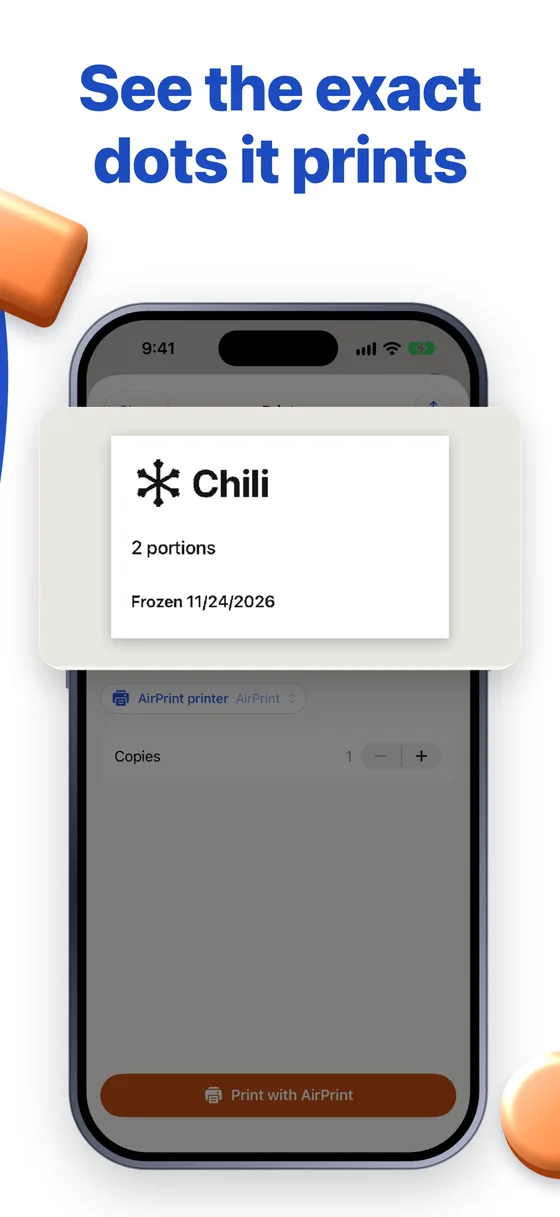
Labelsmith on iPhone and iPad makes the same codes for NIIMBOT and Phomemo Bluetooth thermal label printers and for AirPrint printers, along with EAN-8, Code 39, ITF-14, Data Matrix, PDF417 and Aztec. It checks the data and the check digit as you type and snaps every bar to whole printer dots, so thin bars don’t blur. Batch printing from a CSV file, with serial numbers that count up, is part of Labelsmith Pro.